Free · One hard set = one block
The muscle building app with no fixed schedule to fall behind on.
Every muscle gets a weekly set target — science says 8–20 hard sets a week is what grows it. One hard set fills one block. Fill your board before Monday and you've done enough to grow. Train 3 days or 5, Tuesday or Sunday — the board only counts hard sets.
- hard set = 1 block
- 1
- hard set = 1 block
- sets per muscle per week
- 8–20
- sets per muscle per week
- fixed days
- 0
- fixed days
This week
3 days left
Chest
9/12
Back
10/10
Shoulders
6/10
Biceps
8/8
Triceps
5/8
Quads
4/8
1 hard set = 1 block. Fill the board before Monday.
GainBlocks. Free on the App Store
- Free, every feature open
- No ads, no social feed
- iPhone & iPad, iOS 15.1+
- No AI deciding your training
In the app
Your whole week on one screen.
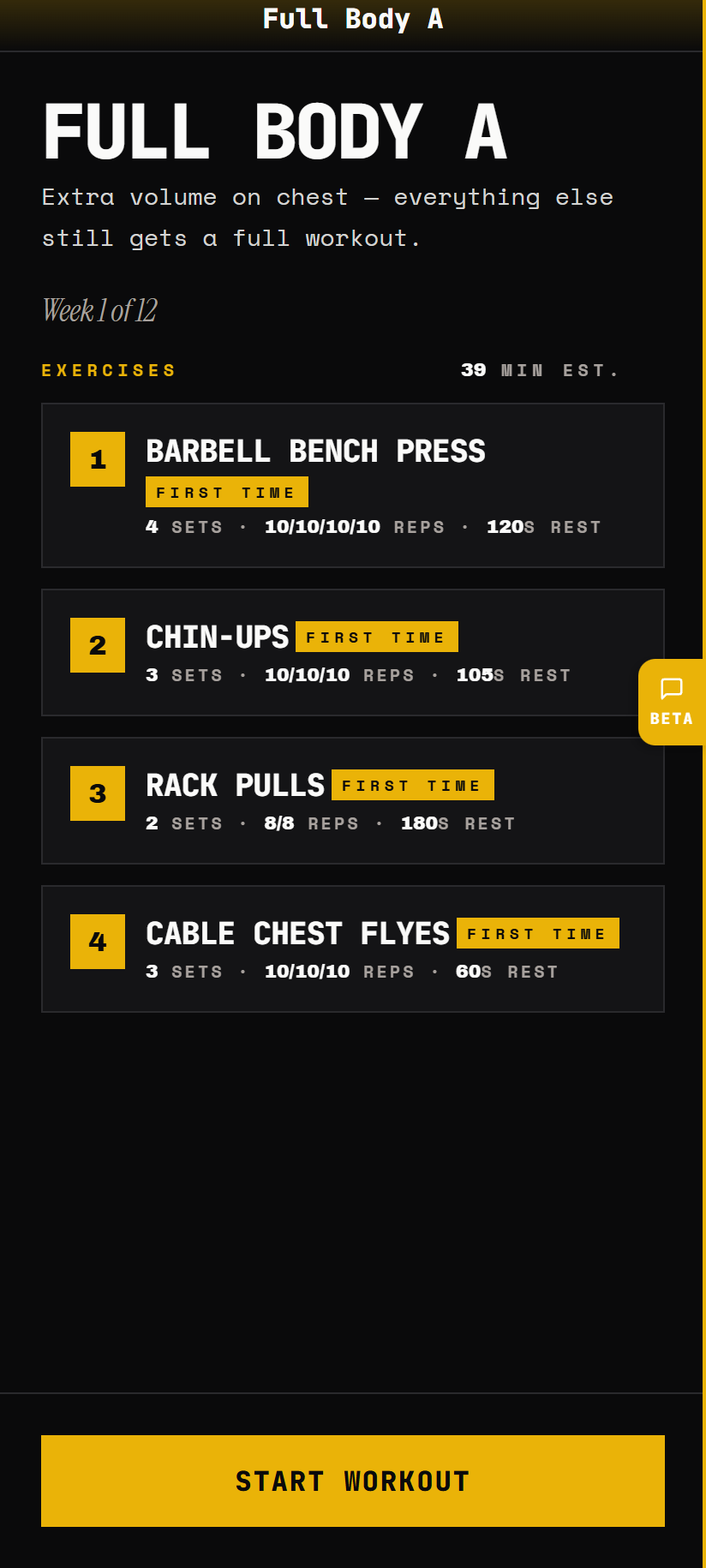
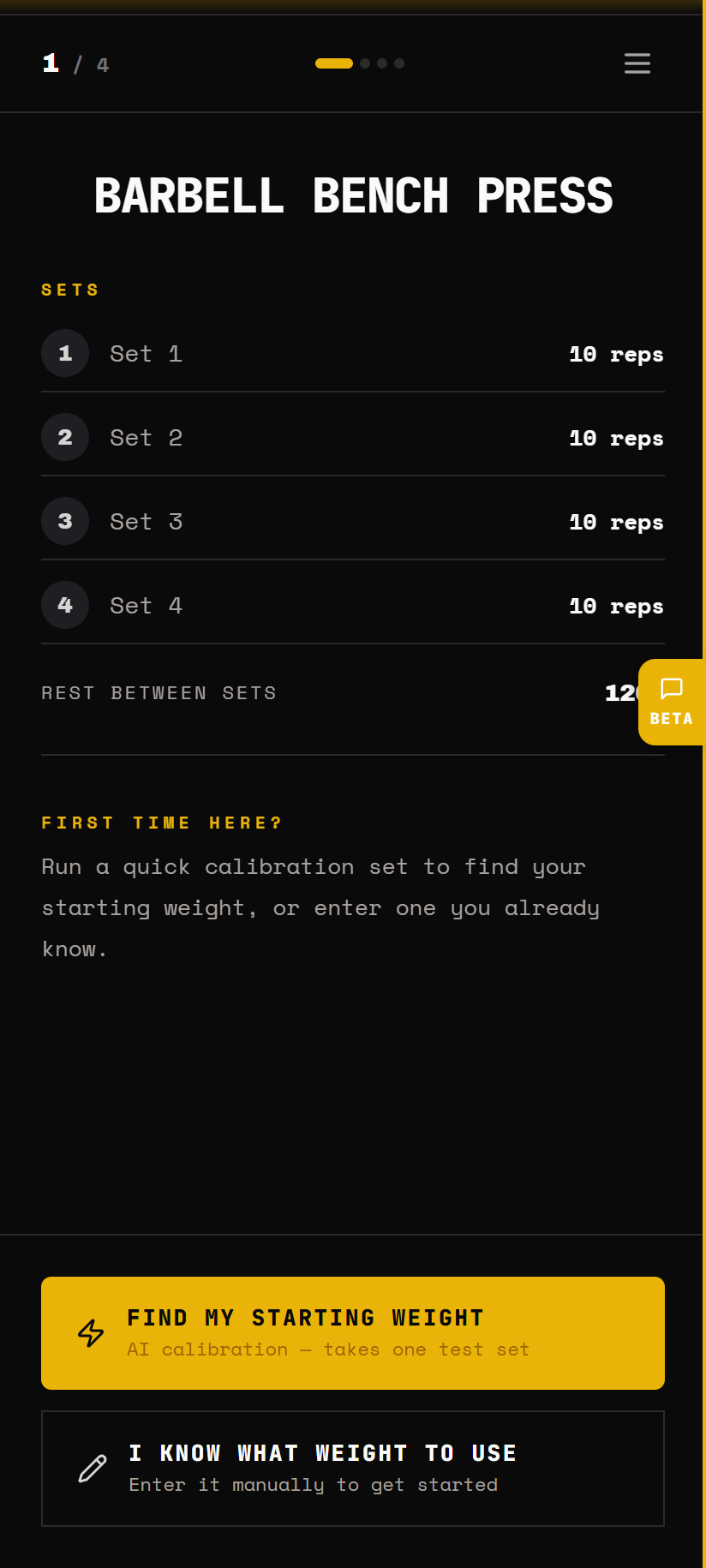
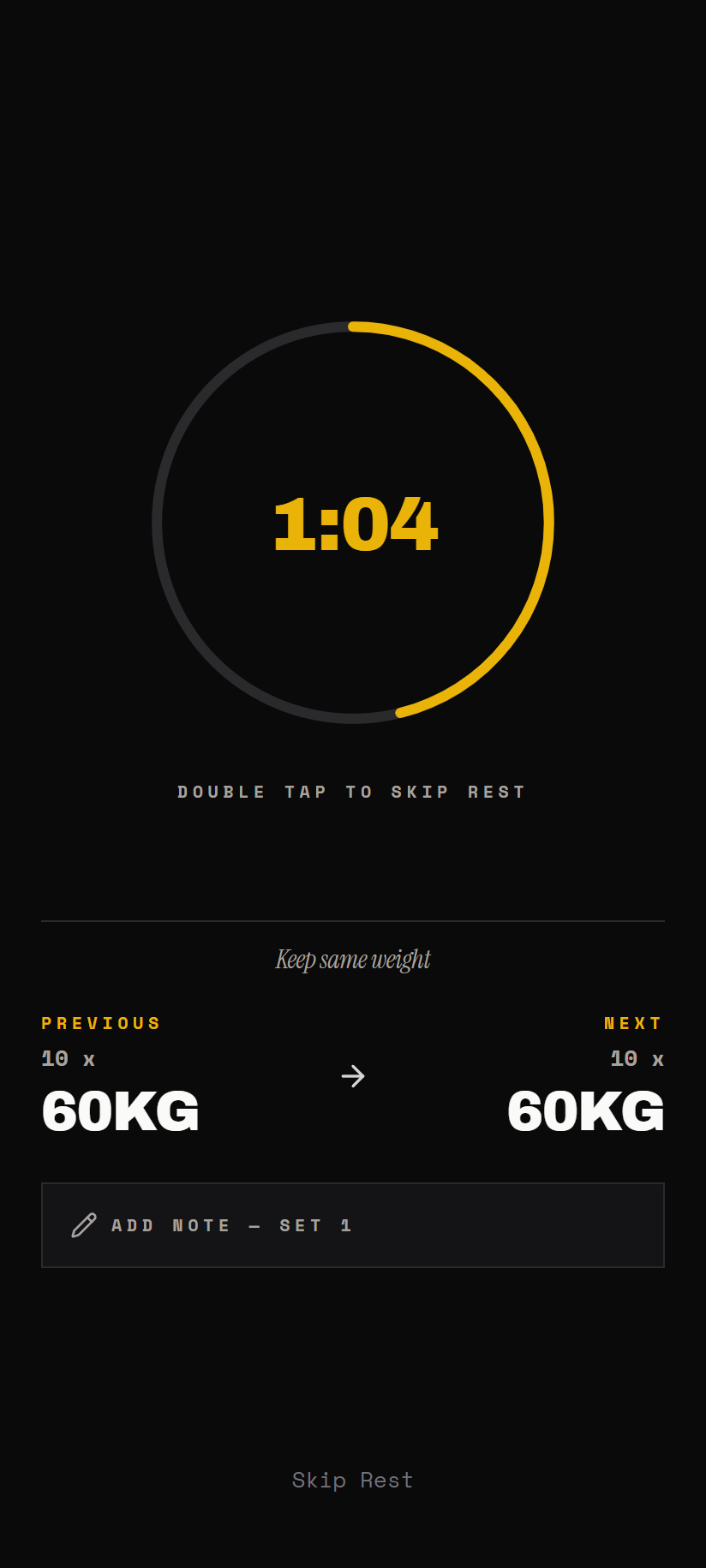
The mechanic — the board
Logging apps write down what you did. The board shows what's missing.
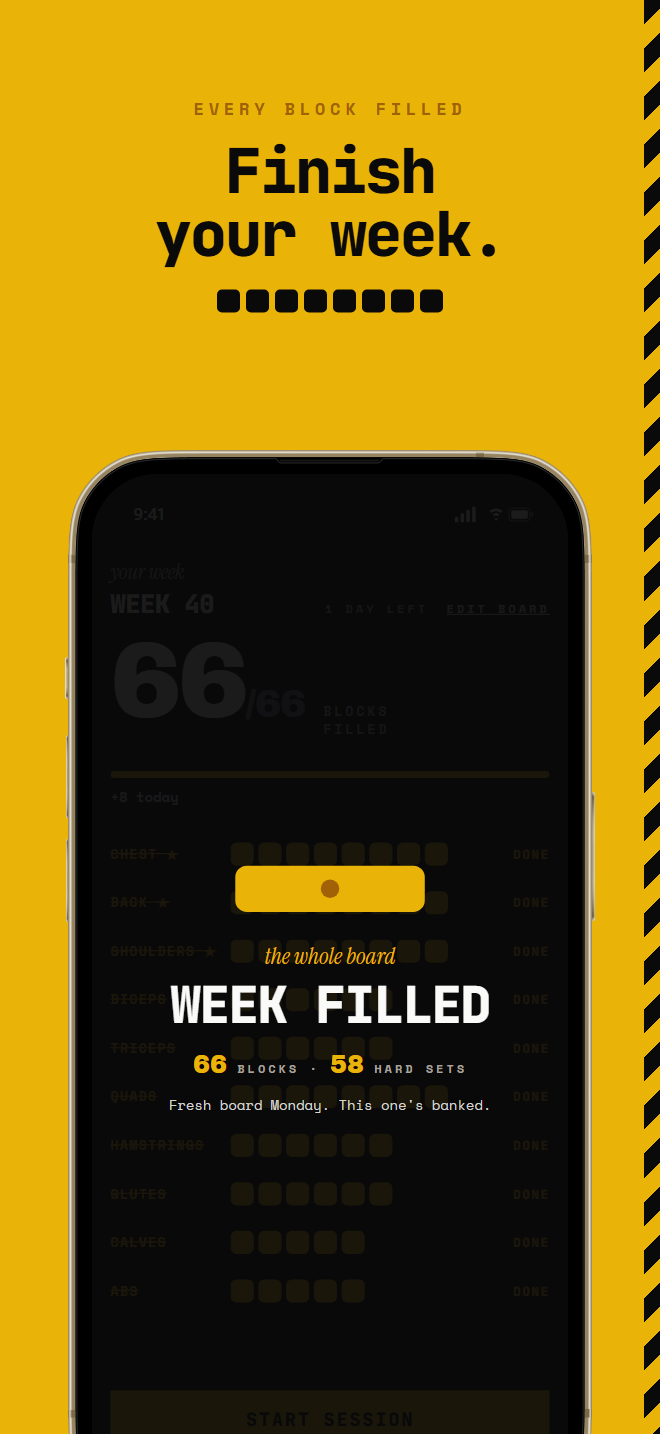
Ten muscle rows, one strip of blocks each. Log any exercise and every hard set fills blocks for the muscles it works — the main muscle gets a full block, the assisting muscles half each. Open the app and you see, in one glance, which muscles are done for the week and which still need work.
- One block = one hard set. Bench press fills Chest 1 · Triceps ½ · Front delts ½. The block on screen is a set you actually did — nothing symbolic about it.
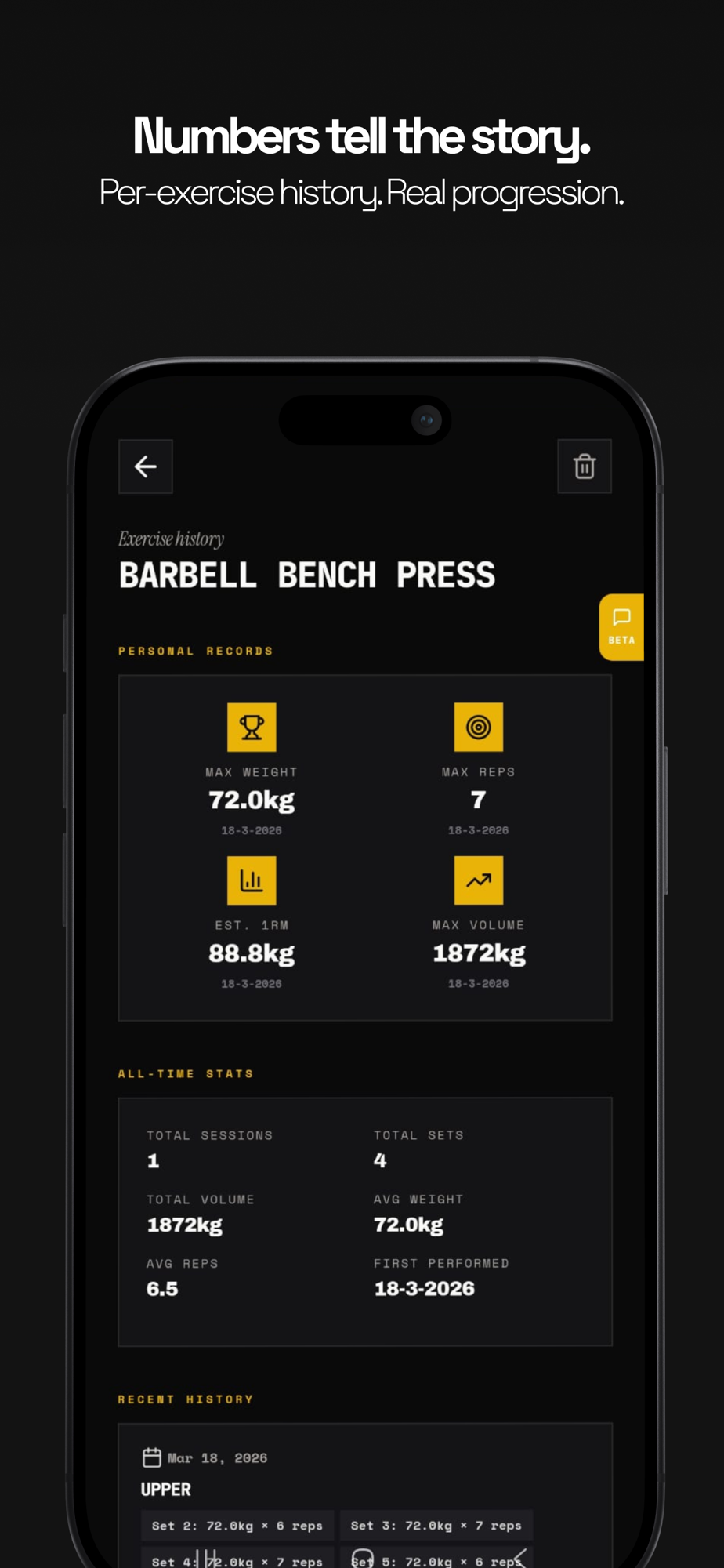
- The science is under the hood. Weekly hard-set volume per muscle is the main driver of growth. Your targets come from that research — you never have to learn it.
- Monday, fresh board. The week ends, the board resets. A slow week isn't a failure to carry around — it's last week's board. This week's is empty.
You logged · Bench press
One set, three rows moved. That's why compound lifts clear boards fast.
Bench press
Last time: 77.5 × 10
The target is the floor. Empty the tank.
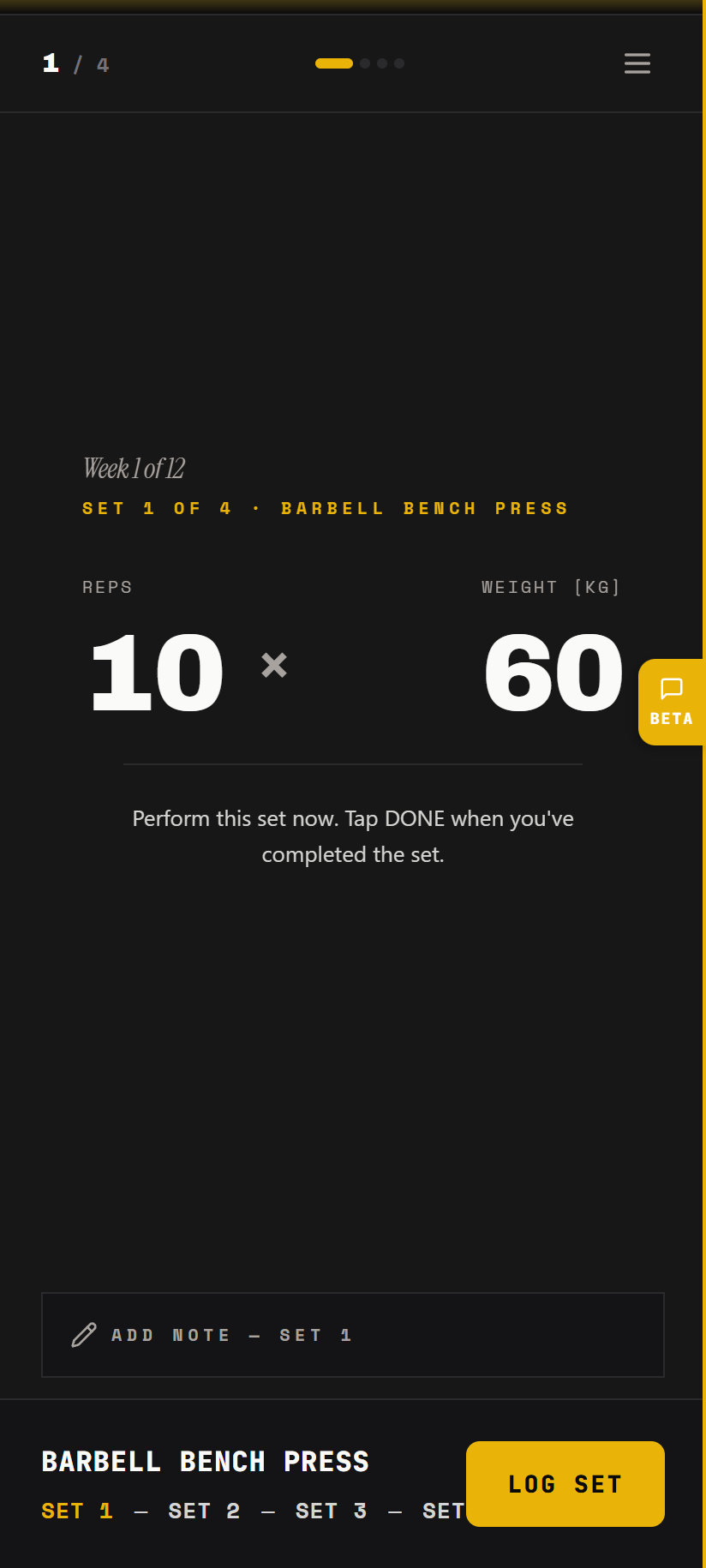
Hold to lock in. Do the set. Tell it what was left in the tank.
The ritual — lock in
One number to beat. Every set.
Every exercise opens with your last top set and what to take today. You hold to lock in — a deliberate act, not a tap — then the set is live. Afterwards, one question: how many reps were left in the tank? Nothing, a couple, or plenty. That answer tunes your next set.
- The app remembers, you lift. "Take 80 today — you hit 77.5 × 12 last time." No spreadsheets, no scrolling old logs at the rack.
- Reps are the floor. The plan says 8+, not 8. Had 12 in you? Take all 12 — the recommendation catches up next session.
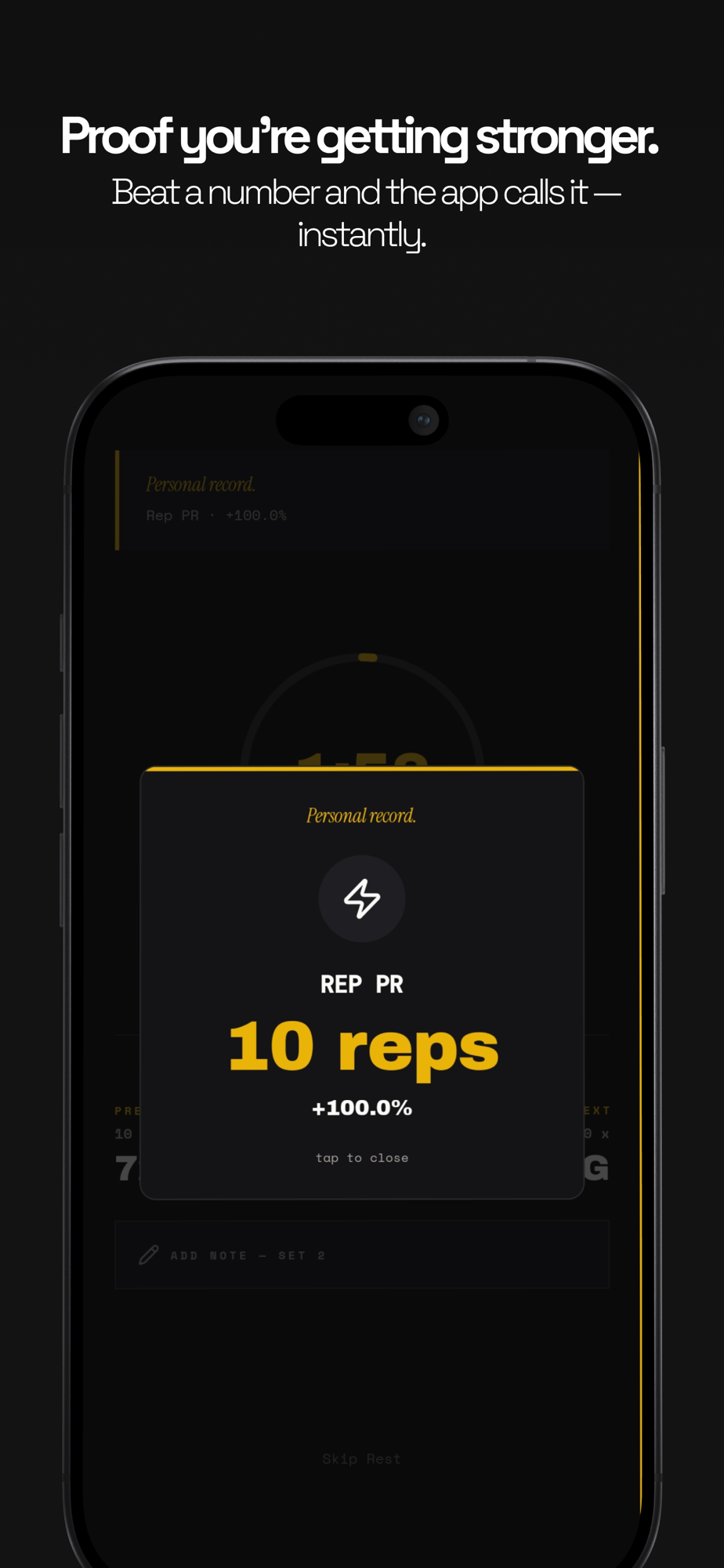
- Every PR gets the slam. Beat your all-time best and a cast-iron plate slams down on screen. Physical, not confetti.
How it works
No fixed days. One job.
Build your board
Pick up to 3 muscles you want to bring up and tell it how often you train. Every muscle group gets a weekly block target — focus muscles get more, the rest enough to keep growing. That's your whole setup.
Train whenever. Log the exercise.
Monday and Thursday this week, four random days the next — the board doesn't care. Log any exercise and every hard set fills blocks for the muscles it works: bench press fills Chest 1, Triceps ½, Front delts ½.
Lock in. Beat your number.
Every exercise shows your last top set — "Last time: 77.5 × 10" — and what to take today. Hold to lock in, do the set, tell it how many reps you had left in the tank. It nudges the next one.
Fill the board before Monday
The week ends with a recap — completion, PRs, the numbers that moved. Monday morning the board resets, fresh and empty. No missed workouts, no falling behind. Just a new board to fill.
Training guides
The science, in plain language.
Why you're not growing, how much volume you actually need, which split fits your week — answered straight, then handled for you inside the app.
Why am I not gaining muscle?
You show up, you train hard, nothing changes. The real reason is simpler than you think.
Read the guideDo you need a fixed workout schedule?
Your muscles don't know it's Monday. What actually needs to be consistent — and it isn't the days.
Read the guideProgressive overload, without the spreadsheet
The one rule behind every muscle-building program — and how to run it without doing math at the rack.
Read the guideHow many sets per muscle group per week?
10–20 hard sets is the growth zone. Count yours — most lifters are under it everywhere.
Read the guideWhat is a hard set?
Only sets near failure count toward growth. How close is close enough — and how to tell honestly.
Read the guideThe 12-week muscle building program, done right
Long enough for visible change, short enough to actually finish. What a real 12-week program looks like.
Read the guidePush Pull Legs vs Upper/Lower: which one grows more?
The honest answer: the split matters less than you think. Your days per week decide it.
Read the guideDeload week: the easy week that keeps you growing
The planned lighter week that keeps your numbers climbing — and the signs you're overdue for one.
Read the guideMissed a workout? Here's what it actually costs
One skipped session: near zero. The spiral after it: everything. The real math on missing.
Read the guideHow to bring up lagging muscle groups
Arms stuck? Chest flat? Adding more of everything won't fix it — moving your volume will.
Read the guideWhat a workout tracker should do for muscle gain
Logging isn't the point — deciding your next set is. What to track, and what your tracker should do with it.
Read the guideFAQ
Straight answers.
What is GainBlocks?+
GainBlocks is a muscle building app for iPhone built around a weekly board. Every muscle group gets a weekly hard-set target, one hard set fills one block, and your job is to fill the board before Monday. The app gives you a ready session every time you train, with the same lifts in the same order, but never ties it to a weekday.
What do I actually do when I walk into the gym?+
You open the app and start the next session. GainBlocks builds your week from the days you train: full body for two or three days, upper and lower for four, push, pull and legs for more. Every session has the same lifts in the same order, with sets, weight and reps, so you can beat last time. Prefer to do your own thing? Tap any muscle on the board and train that instead. It all counts.
Why am I not building muscle even though I train hard?+
Usually because your training is random: some muscles get plenty of hard sets each week, others get almost none — and nobody's counting. Muscle grows on weekly volume, roughly 8–20 hard sets per muscle. The board counts them for you and shows exactly what's still missing.
Learn more: why you're not building muscleDo I need a fixed workout schedule to build muscle?+
No. Your muscles respond to how many hard sets they get in a week, not to which days you train. Train 3 days one week and 5 the next — as long as the sets land, the board fills. That's why GainBlocks gives you sessions without fixed days: the next one is ready whenever you are.
Learn more: training without a scheduleHow does GainBlocks decide what weight I should lift?+
Every exercise shows your last top set — "Last time: 77.5 × 10" — and recommends today's number. Hit the top of the rep range and it adds weight next time. After each set it asks how many reps you had left in the tank, and adjusts. Progressive overload, without the spreadsheet.
Learn more: progressive overload explainedHow many sets per muscle group per week do I need?+
Roughly 8–20 hard sets per muscle per week to grow; below that, most trained lifters just maintain. GainBlocks turns that science into your block targets — muscles you want to bring up get more, everything else gets enough to keep moving.
Learn more: sets per muscle groupWhat counts as one block?+
One hard work set — a set taken close to failure. It fills a full block for the exercise's main muscle and half a block for each muscle that assists. Warmups don't count; the app tells you once and never nags about it again.
Learn more: what counts as a hard setShould I run Push/Pull/Legs or Upper/Lower?+
Whichever you like — or neither. Splits are just ways of spreading weekly volume across days, and the board doesn't care how the sets get in. If you want structure for today, tell it how long you've got and it builds a session from your most-open rows.
Learn more: PPL vs Upper/LowerCan I use GainBlocks with dumbbells only, or at home?+
Yes. Tell it what you train with — full gym, home basics or just bodyweight — and pick exercises that fit. The board only counts hard sets; it doesn't care where they happen. There's also a free written dumbbell plan below.
Get the free dumbbell-only plan (written version)Is GainBlocks free?+
Yes. GainBlocks is free: no trial, no subscription, and every feature is open. No ads, no social feed.
Is GainBlocks available on Android?+
Not yet — GainBlocks is currently iPhone and iPad only (iOS 15.1 or later). Android is on the roadmap.
Fill this week's board. Then the next one.
Muscle is built one hard set at a time — the board just makes sure they all land. Every hard set counts. Literally. Free on iPhone.